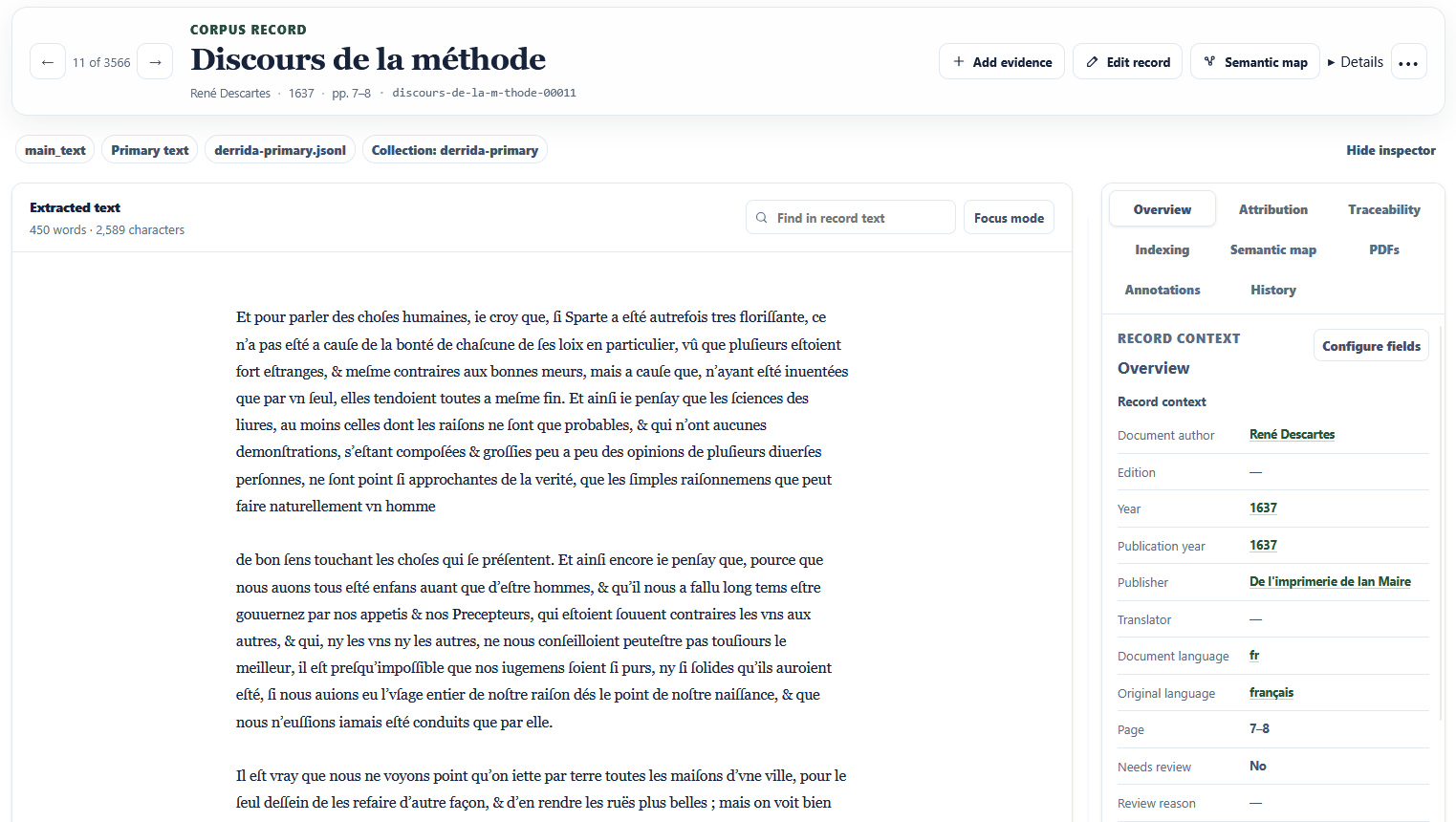
Import source material and extract text or transcribe audio. Segment it into records that retain a location appropriate to the medium, such as a printed page or an audio time range.
Source and location
The source, the extraction method, and the location behind each record. The search index can be rebuilt from the corpus.
02
Enrich and review records
Use a metadata schema to define which fields matter and what evidence they require. Review proposed values and their supporting passages. Confirm or correct the values before using them as reviewed metadata.
Evidence and review history
Each field assertion can carry its evidence, provenance, and review state. A reviewer’s decision remains distinct from the model’s proposal.
03
Gather evidence and ask a question
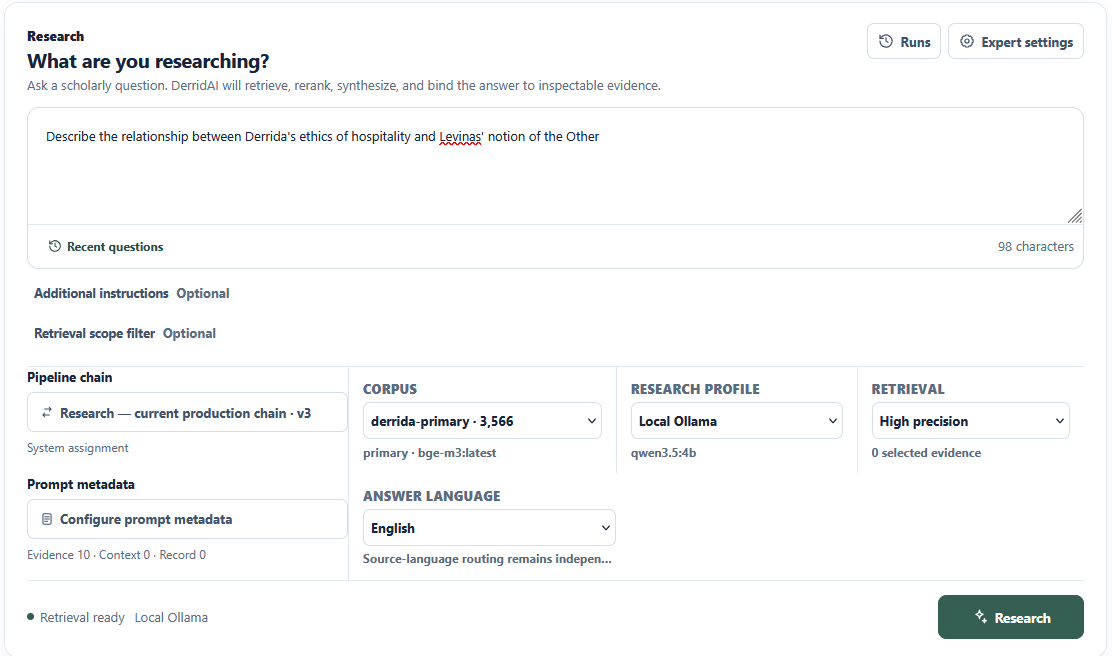
Choose a corpus and retrieval settings, or supply passages yourself. DerridAI assembles the selected passages and their source metadata into an evidence packet for the model to use in its synthesis.
Passages and attribution
The passages supplied to the model and the run’s retrieval settings. Attribution fields help distinguish the speaker from the person whose position is being discussed.
04
Audit the answer and compare runs
Follow a citation back to its passage and check whether it supports the claim, including its attribution and qualifiers. Compare runs using the same question to see how retrieval settings or model choice affect quality and latency.
Claim support and run diagnostics
The answer, available claim-to-evidence links, and run diagnostics. The researcher decides whether the interpretation holds up.
WHY DERRIDAI
Distinguishing voices in a text
A quotation can introduce a position the speaker goes on to challenge. DerridAI has separate fields for who is speaking, whose view they are discussing, and how they respond to it.
PLATFORM
Tools for building and querying a corpus
CORPUS BUILDER
Extract text and keep page references
Ingest documents, text, images, and audio with format-aware extraction. Segment material into records while preserving source identity, page or time coordinates, and extraction provenance.
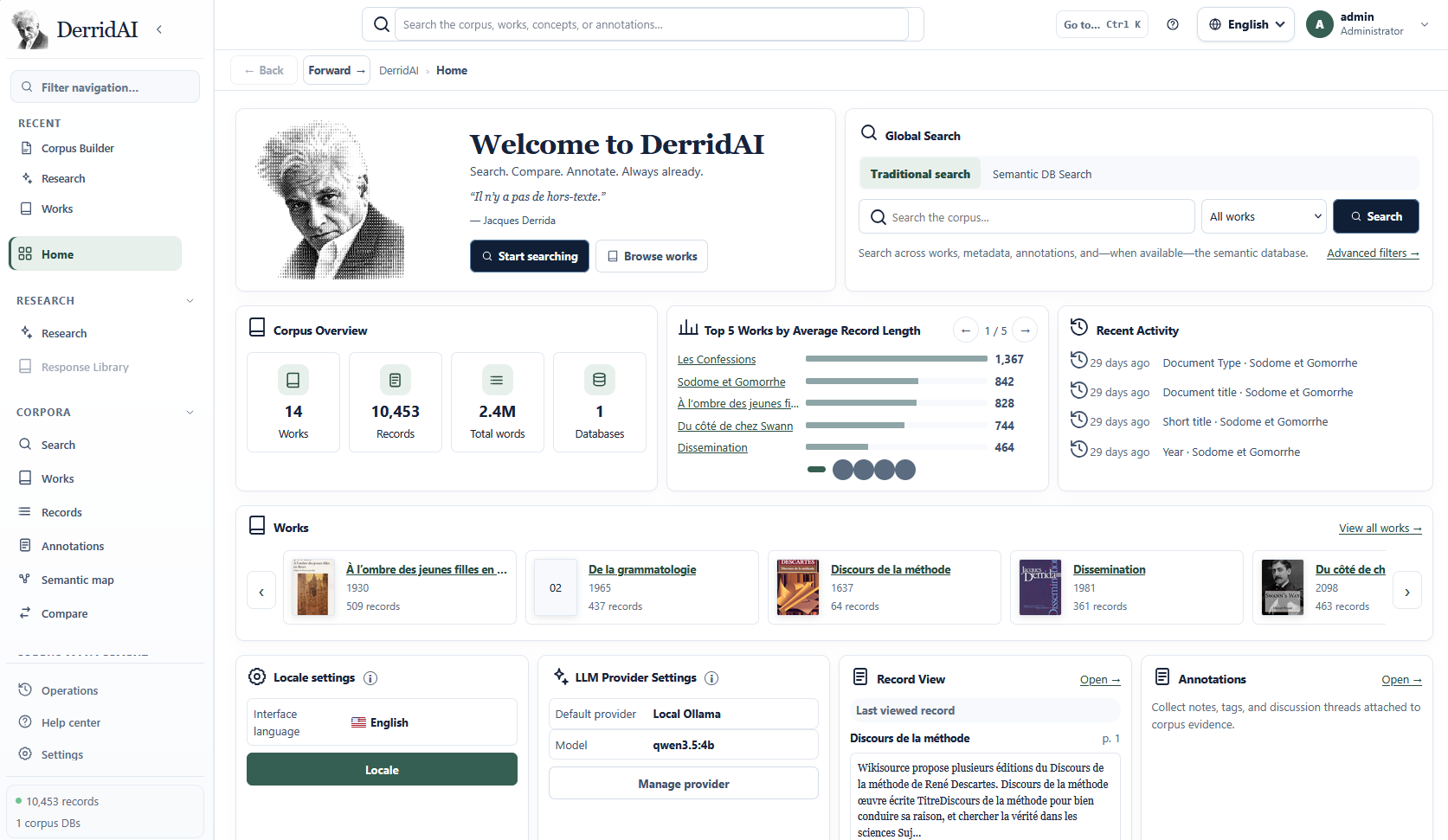
The workspace brings search, works, and recent activity together. Enlarge screenshotMETADATA & REVIEW
Choose which metadata to record
Define fields, evidence requirements, and review policies. Add guidance for a particular run. Reuse evidence-bound reviewed precedents and corrections to inform later proposals.
Combine semantic and lexical retrieval, MMR, deduplication, and optional reranking. Or bypass retrieval and synthesize from passages you choose. Inspect the evidence packet alongside the response.
Evaluate relevance, traceability, attribution, evidence fidelity, and conceptual precision. Inspect pipeline timings and retrieval diagnostics. Re-run a question with different parameters to investigate quality and latency.
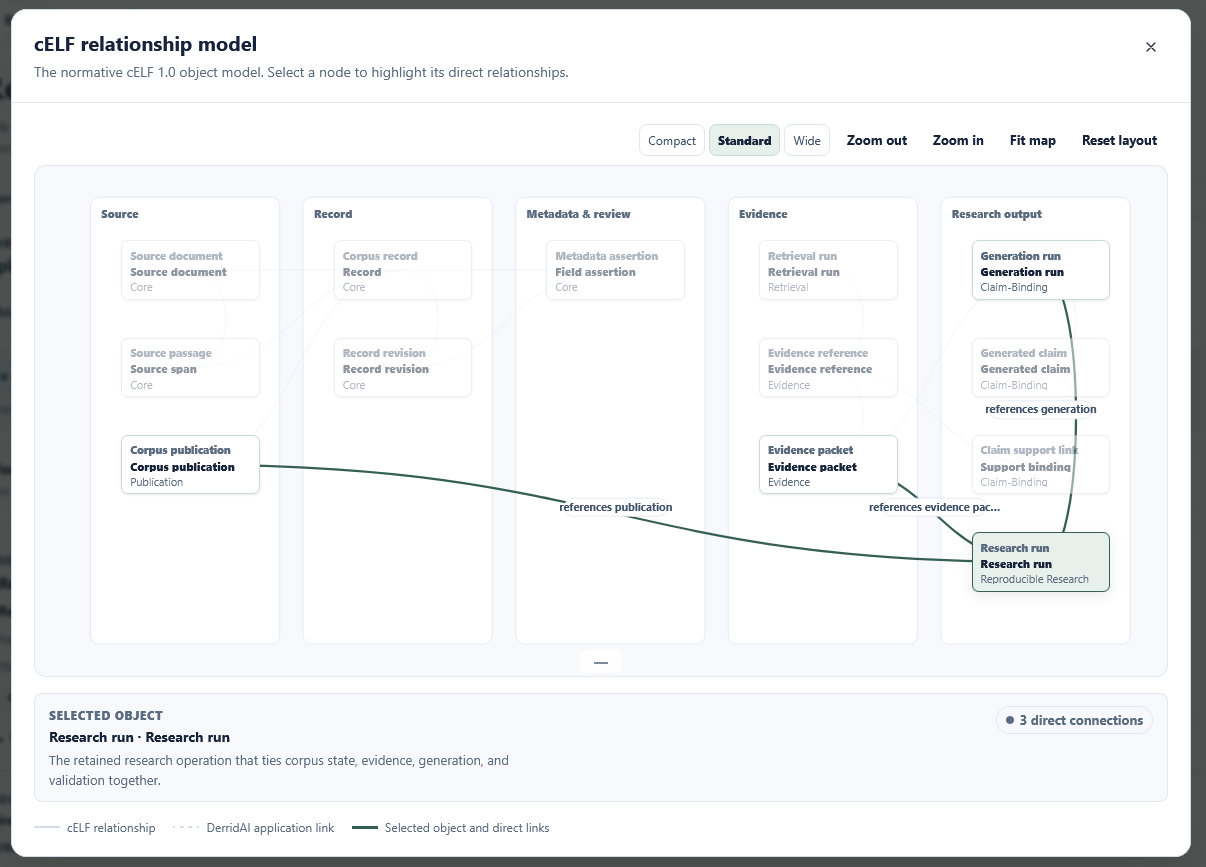
The cELF relationship model shows how a research run connects to its inputs and generation. Enlarge screenshot
DEPLOYMENT AND GOVERNANCE
Run, adapt, and share DerridAI
Accessibility
WCAG 2.2 AA is a release criterion for the application. Its interface is designed for keyboard use, visible focus, reflow, reduced motion, and forced colors. Automated checks also cover the reference interface for exported sites.
DerridAI ships with English and French. Administrators can add any interface language by installing its translation dictionary. Interface, source, and answer languages are separate, so quotations can retain their original wording.
Run the application with Docker Compose and use it in a modern browser. Connect a local Ollama instance or an OpenAI-compatible endpoint. Exported research sites can be opened as a standalone HTML file or served with the nginx bundle.
Self-host with a local model to keep corpus storage and inference on infrastructure you control. If you configure a remote provider, it can receive prompts and selected evidence. The application enforces roles at the API boundary, including restrictions on corpus access and export.
DerridAI lets you work with copyrighted sources locally. With a local model, you can search and analyze them without sending them to a provider or publishing the corpus. Keeping the source files local and sharing citations or permitted material helps avoid unauthorized redistribution. Check what rights or exceptions apply before using or sharing material.
Keep the source identity and a precise locator such as a page, a text range, an image region, or an audio time span.
Preserve the research decisions.
Give records stable identities and explicit revisions. Attach field assertions with their evidence, provenance, and review authority. Treat search indexes and embeddings as rebuildable views of the records.
Bind each claim to its support.
Connect a generated proposition to the exact evidence and record revision used to support it. This lets a reader verify both the citation and what the passage actually establishes.
Frequently asked questions
What can I import?
Bring your own PDFs, plain text, scans, or audio recordings. DerridAI can extract text from images and transcribe audio.
Do I need an API key?
A local Ollama setup works without a hosted model account or API key. If you connect to a hosted model, use the credentials that service requires.
What can I check in a cited answer?
Open the cited passage to see whether it supports the claim, whether the answer attributes the view to the right person, and whether the surrounding text changes its meaning.
Do readers need to install DerridAI?
Readers can open a standalone HTML export in their browser. They can browse and search the works you chose to include.
Install DerridAI
The repository includes installation instructions for Docker Compose.